
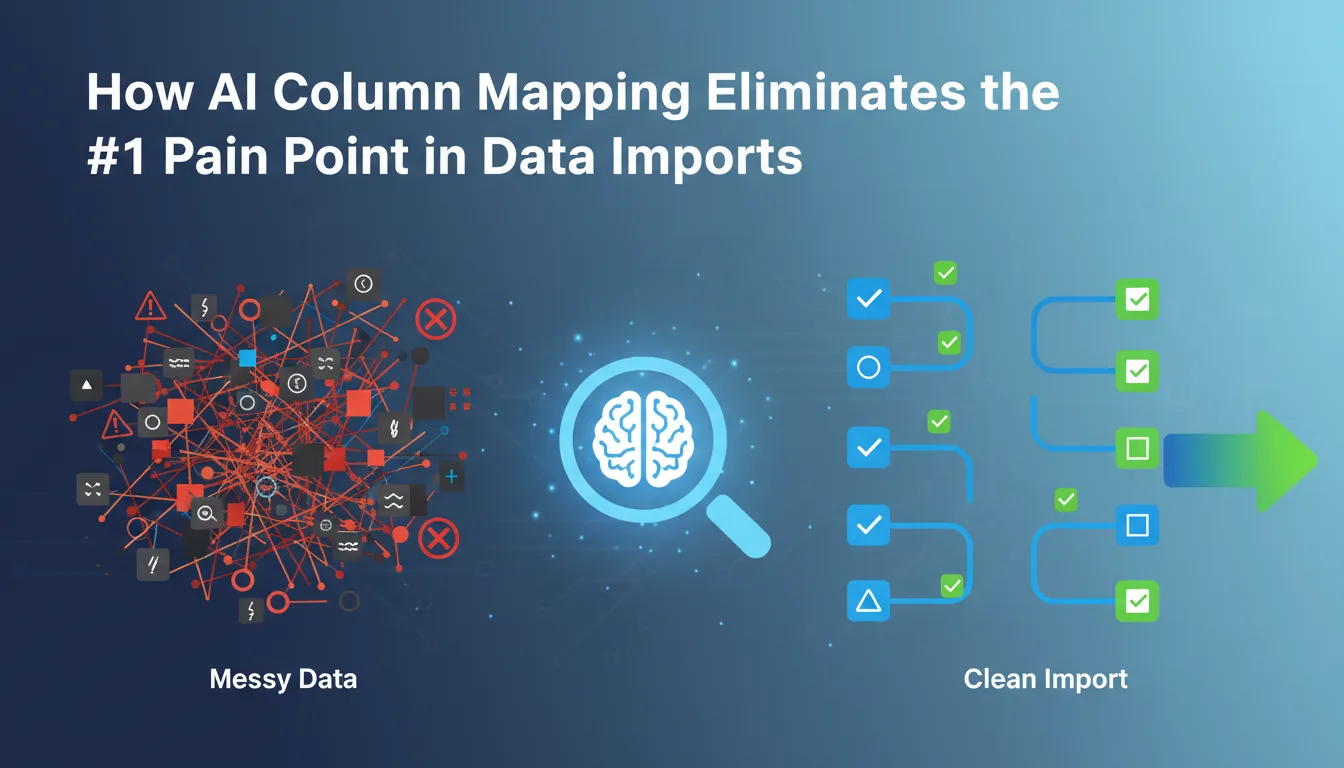
Every data import workflow has a moment where users stall. Not at the file upload step — that part is easy. The stall happens when the importer shows a mapping screen with a list of your target schema columns on one side and the user's uploaded headers on the other. That screen, in most products, is where import abandonment peaks. The user uploaded a Salesforce export with columns named 'Account: Billing Street' and your schema expects 'billing_address'. They have to figure out that these are the same thing. Often, they give up.
This is the number one pain point in data imports: column mapping. Not file parsing, not encoding detection, not row validation. The semantic gap between what users call their data and what your schema calls it is where most import flows break down. And for years, the industry's answer to this problem has been inadequate.
1Why Column Mapping Is Hard
The difficulty isn't technical in the traditional sense. Parsing a CSV is a solved problem. The hard part is understanding that 'First Name', 'firstname', 'fname', 'prénom', 'given_name', and 'contact_first' all mean the same thing. That requires semantic understanding — the kind that rule-based systems consistently fail to deliver at scale.
Consider the sources your users are actually importing from. A Salesforce export uses verbose, namespaced column labels. A HubSpot export uses snake_case with object prefixes. A hand-maintained spreadsheet might have headers like 'E-mail (primary)' or no headers at all — just raw data starting on row one. A system exported from Germany will have headers in German. Your schema has none of these. It has 'email', 'phone', 'company_name'.
- ✓Salesforce CRM export: 'Account: Billing City' → your schema: 'billing_city'
- ✓HubSpot contact export: 'hs_email_domain' → your schema: 'email_domain'
- ✓German-language spreadsheet: 'Vorname' → your schema: 'first_name'
- ✓Abbreviated header from legacy system: 'ph_mob' → your schema: 'mobile_phone'
- ✓No-header CSV: column index 3 contains email addresses — no label at all
- ✓Excel export with merged cells as headers: 'Contact Information / Email' → your schema: 'email'
A rule-based mapper handles maybe two or three of these. An AI-powered mapper handles all of them — and handles them before the user ever sees the mapping screen.
2The Evolution of Column Mapping Approaches
It's worth tracing how we got here, because each generation of mapping technology solved a real problem and introduced a new ceiling.
Exact string matching is the fastest to implement and has zero false positives on exact matches. But it completely fails on case differences, underscores vs spaces, and abbreviations. It requires perfect header standardization from all data sources — which never happens.
Fuzzy string matching (Levenshtein distance) catches typos and minor variations, and handles case insensitivity and whitespace differences. But it fails on synonyms — 'fname' vs 'first_name' have high edit distance but the same meaning — and has a high false positive rate on short strings.
Synonym dictionaries offer high accuracy for known aliases and are predictable and auditable. But they require manual curation for every field type, cannot generalize to unseen variations, and language support requires separate dictionaries per locale. Maintenance overhead grows with schema complexity.
AI semantic mapping generalizes across any variation, abbreviation, or language. It handles unseen column names at inference time, is multilingual by design via multilingual embedding models, learns from column name AND sample data values, uses confidence scoring for graceful fallback to manual review, and requires zero maintenance as your schema evolves.
3How AI Semantic Mapping Actually Works
The technical foundation is embedding-based similarity. Instead of comparing strings character by character, you convert each column name into a dense vector — a list of floating-point numbers that encodes its semantic meaning. Two strings that mean the same thing will produce vectors that point in roughly the same direction in high-dimensional space, regardless of how different the actual characters are.
Here's the concrete mechanism. At schema definition time, you pre-compute embeddings for each target field: its name, description, and any known aliases. At import time, you compute embeddings for each uploaded column header. Then you measure cosine similarity between every source-target pair. High similarity score means likely match. You pick the highest-scoring pair above a confidence threshold and map it automatically.
💡 Pro tip
Cosine similarity between 'Vorname' (German for first name) and 'first_name' in a multilingual embedding space like mBERT or multilingual MiniLM is typically above 0.88 — well above the mapping threshold. The same operation on Levenshtein distance returns a score near zero. This is why character-based approaches fail on multilingual data and embedding-based approaches do not.
The embedding model choice matters. A general-purpose sentence transformer like all-MiniLM-L6-v2 handles most column name variations well, but multilingual embedding models (e.g., paraphrase-multilingual-MiniLM-L12-v2) are necessary for non-English header support. These models typically run in 80-100ms per inference pass when quantized and executed via WASM, which makes client-side execution practical.
4Value Inference: When Headers Aren't Enough
Headers are the first signal, but they're not always reliable. A file with no headers, or with headers like 'Column A', 'Column B', offers no textual signal at all. This is where value inference becomes the fallback — and sometimes the primary — mapping strategy.
Value inference works by sampling the actual data in each column and running pattern detection against known field signatures. A column where 85% of values match the regex for RFC 5322 email addresses is almost certainly an email field. A column where values are consistently 10-digit numbers with dashes is likely a phone field.
- ✓Email detection: RFC 5322 pattern match on sample rows, combined with header embedding if header exists
- ✓Phone detection: E.164 pattern matching, country code detection, format normalization
- ✓Date/time detection: Multi-format ISO 8601 parsing, locale-aware date format inference
- ✓Numeric field typing: Integer vs. float detection, currency symbol stripping, locale decimal separator detection
- ✓Identifier detection: UUID pattern matching, sequential integer detection for ID fields
- ✓Free text classification: Distinguishing name fields, address fields, and notes fields by value length distribution and character composition
When you combine header-based semantic similarity with value-based inference, you get a confidence score that draws on two independent signals. A column named 'email_addr' with values that all match email patterns gets a very high combined confidence — both signals agree. A column named 'notes' with values that happen to look like email addresses gets a lower confidence — the signals conflict, and the system surfaces this for manual review.
5Confidence Thresholds and Graceful Degradation
A mapping system without confidence thresholds is a liability. If you auto-map with low confidence, you introduce silent data corruption — users don't notice that 'last_name' got mapped to 'company' until they've imported 10,000 records. The correct behavior is to auto-map only when confidence exceeds a defined threshold, and surface uncertain mappings explicitly for human review.
A practical threshold structure: above 0.92 cosine similarity, auto-map and show a confidence badge. Between 0.75 and 0.92, pre-fill the mapping suggestion but require explicit confirmation. Below 0.75, leave the mapping empty and prompt the user to map manually. This tiered approach means the majority of columns get auto-mapped without user interaction.
💡 Pro tip
In practice, a well-tuned semantic mapper auto-maps 80-90% of columns correctly on first pass for common source formats like Salesforce, HubSpot, and standard spreadsheet exports. The remaining 10-20% require user confirmation — still a significant reduction from mapping everything manually.
Confidence badges in the UI serve a secondary purpose beyond accuracy: they build trust. When a user sees that 'E-mail (primary)' was mapped to 'email' with 97% confidence, they understand why the mapping happened and feel comfortable proceeding. Transparency in confidence scoring converts skepticism into trust.
6Client-Side vs. Server-Side Inference
Where you run the embedding model matters for both latency and privacy. Server-side inference is simpler to implement but introduces round-trip latency and means user data — potentially sensitive column values used for value inference — leaves the browser before the user has consented to the import. Client-side inference via WASM avoids both issues.
Running a quantized sentence transformer in the browser via ONNX Runtime Web (WASM backend) is now practical. A 4-bit quantized version of MiniLM-L6 is approximately 23MB and loads in 400-800ms on a modern laptop. Inference on a typical 20-column import takes under 200ms total. The model runs entirely in the browser — no user data is sent to a server for the mapping step.
- ✓Model loads once per session and is cached via the browser's Cache API for subsequent imports
- ✓WASM SIMD extensions accelerate matrix operations on supported CPUs — most modern browsers enable this by default
- ✓Embedding computation for schema fields can be pre-computed and shipped as static assets, reducing client-side compute to only the source column embeddings
- ✓For environments where WASM is restricted, a server-side fallback handles inference with the same model weights
7The UX Impact: Abandonment and Trust
The engineering case for AI column mapping is clear. The business case is simpler: it directly reduces import abandonment rates. A manual mapping screen asks users to do cognitive work — read your schema, read their headers, figure out the correspondence, click through each one. For a 30-column file, that's 30 decisions. For a non-technical user, it's 30 opportunities to give up.
When a high-confidence auto-mapper pre-fills all or most of those mappings correctly, the mapping screen transforms from a decision-making task into a review task. The cognitive load drops from O(n) decisions to a single review pass. That difference shows up in completion rates.
The mapping screen is the last place where a technically complex import feels complex to the user. Fix the mapping step, and the entire import feels effortless — even though the underlying work happening is substantial.
For products where data import is a critical onboarding step — think CRMs, project management tools, analytics platforms — import abandonment at the mapping screen is a direct revenue problem. AI column mapping is not a nice-to-have UX improvement; it's an activation funnel optimization.
8How Xlork Implements This
Xlork's AI column mapping runs the full pipeline described above: multilingual embedding-based similarity for header matching, value inference for header-free or ambiguous files, confidence-tiered auto-mapping with explicit review surfacing for low-confidence matches, and client-side WASM inference to keep user data in the browser. You configure your target schema once — field names, types, descriptions, and optional aliases — and the mapper handles everything else at runtime.
The React SDK exposes the mapped result as a structured object your application can consume directly. You define the schema, the importer handles matching, and your backend receives clean, correctly-keyed data without writing mapping logic yourself.
💡 Pro tip
Try Xlork's AI column mapping on your own schema at xlork.com — the free tier includes full AI mapping functionality. You can have a working importer embedded in your product in under 30 minutes.
9Summary
Column mapping is the hardest part of data import UX to get right, and it's the part that causes the most user abandonment. Exact matching and fuzzy string matching solve the easy cases. Synonym dictionaries solve known variations but require ongoing maintenance. AI semantic mapping — grounded in embedding similarity, value inference, and confidence-tiered auto-mapping — handles the long tail of real-world column naming variation at scale, without manual curation and without sending sensitive data to a server.
If you're building an import flow and currently asking users to map columns manually, the technical infrastructure to automate most of that work exists and is practical to deploy. The question isn't whether AI column mapping is worth implementing — it's whether you want to build it yourself or use a platform that already has it production-ready.
💡 Pro tip
Xlork's embeddable importer includes AI column mapping, schema validation, and data cleaning out of the box. Read the documentation at xlork.com/docs to see how schema configuration works, or start with the free tier to test the mapping quality against your own data.