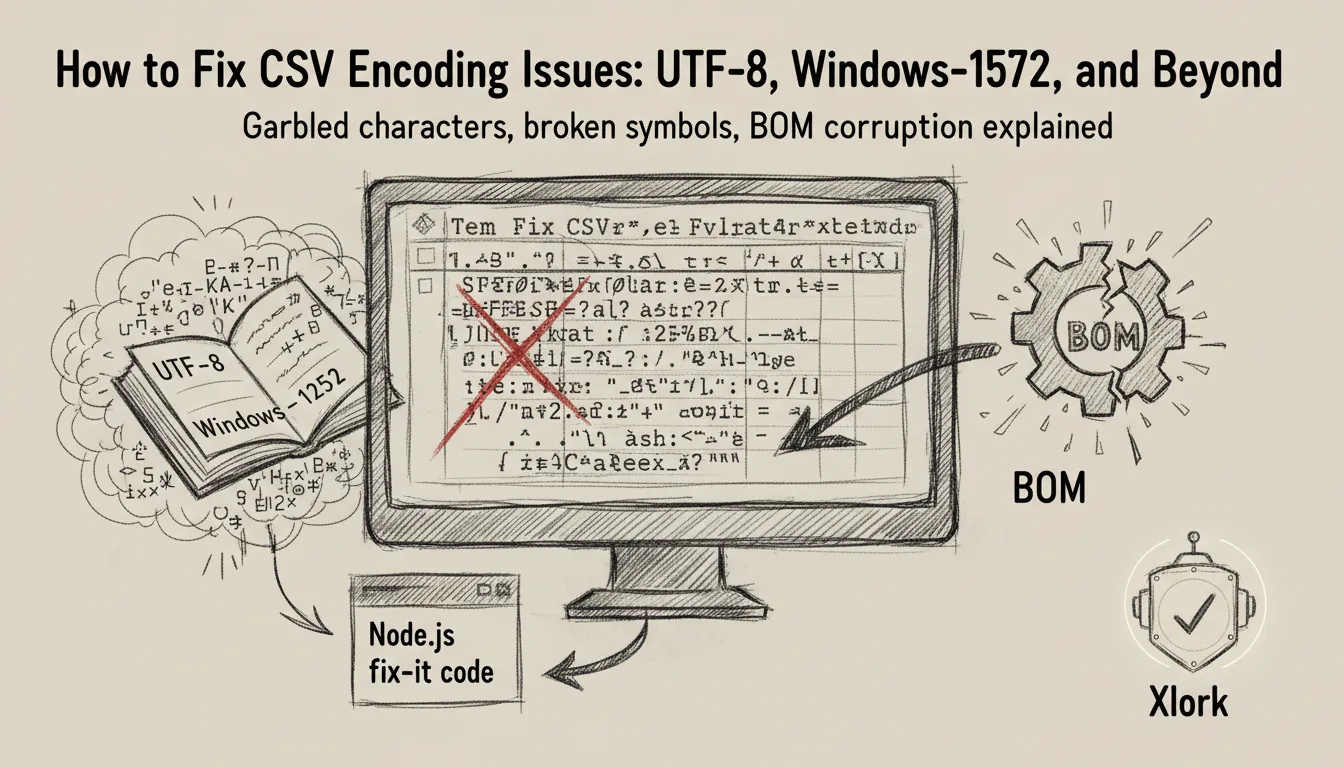
You've seen it: a CSV that looks fine in Excel opens in your app and shows garbled characters. `Müller` becomes `Müller`. `José` becomes `Jos?`. A column header that starts with an invisible sequence of bytes breaks your column detection entirely. These are encoding problems, and they're among the most common and most confusing failure modes in data import pipelines. This post explains exactly what causes them and how to fix them in code.
1The Core Problem: Character Encoding Is Invisible
A CSV file is bytes. The character encoding tells you how to interpret those bytes as text. The same sequence of bytes means completely different things in UTF-8 versus Windows-1252. The problem is that the CSV format itself has no standard mechanism to declare which encoding was used. There is no header, no metadata field, no magic number. You have to detect it or be told.
Most modern systems produce UTF-8. But a large volume of real-world CSV data comes from Excel (particularly older versions), legacy export systems, and ERP software that defaults to Windows-1252 (also called CP1252) or ISO-8859-1. These encodings cover the same byte range differently for values above 127, which is exactly the range used for accented characters, currency symbols, and non-Latin scripts.
2The Common Encodings You Will Actually Encounter
- ✓UTF-8: The web standard. Multi-byte sequences for characters above U+007F. A UTF-8 file with only ASCII content is byte-identical to ASCII. Most encoding problems occur when a non-UTF-8 file is read as UTF-8.
- ✓Windows-1252 (CP1252): The default for Excel on Windows in the US and Western Europe. Single-byte encoding. Characters 0x80-0x9F are printable characters not present in ISO-8859-1, including the euro sign (€) at 0x80.
- ✓ISO-8859-1 (Latin-1): Similar to Windows-1252, single-byte, but bytes 0x80-0x9F are control characters. A Windows-1252 file and an ISO-8859-1 file look identical for common characters but diverge in the 0x80-0x9F range.
- ✓UTF-16: Used by some Windows applications. Files start with a Byte Order Mark (BOM) — 0xFF 0xFE for LE or 0xFE 0xFF for BE. If your parser doesn't detect the BOM, the first column name appears with a two-byte prefix.
- ✓UTF-8 with BOM: Excel sometimes writes UTF-8 files with a BOM (0xEF 0xBB 0xBF). The BOM is invisible in most editors but corrupts the first column header if your parser doesn't strip it.
- ✓Shift-JIS / EUC-JP: Common in Japanese CSV exports. Multi-byte encodings that look like garbage when parsed as Latin encodings.
- ✓GB2312 / GBK / GB18030: Chinese encoding family. GB18030 is the current government standard and a strict superset of GBK.
3How to Detect Encoding in Node.js
The only reliable way to detect encoding is to look at the byte patterns in the file. Use the `chardet` library, which implements the ICU charset detection algorithm:
import * as chardet from 'chardet';
import * as iconv from 'iconv-lite';
import * as fs from 'fs';

async function readCsvWithDetectedEncoding(filePath: string): Promise<string> {
  const buffer = fs.readFileSync(filePath);

  // Detect encoding from byte patterns
  const detected = chardet.detect(buffer);
  const encoding = detected?.name ?? 'UTF-8';

  console.log(`Detected encoding: ${encoding} (confidence: ${detected?.confidence}%)`);

  // Decode the buffer using the detected encoding
  const decoded = iconv.decode(buffer, encoding);

  return decoded;
}
The confidence score from chardet is important. A score above 80 is reliable. A score below 50 means the file doesn't have strong enough byte patterns to make a clear determination — common with short files or files that only use ASCII characters. In that case, default to UTF-8 and document the fallback behavior.
4Stripping the BOM
UTF-8 BOMs are the single most common encoding-related bug in CSV imports. Excel saves UTF-8 files with a BOM, and most CSV parsers in Node.js don't strip it automatically. The BOM is three bytes — `0xEF 0xBB 0xBF` — prepended to the file content. When your parser reads the first column header, it sees `\uFEFFname` instead of `name`. Exact-match column lookup fails silently.
function stripBom(str: string): string {
  // The BOM character is U+FEFF
  if (str.charCodeAt(0) === 0xFEFF) {
    return str.slice(1);
  }
  return str;
}

// Or at the buffer level, before decoding:
function stripBomBuffer(buffer: Buffer): Buffer {
  // UTF-8 BOM: EF BB BF
  if (buffer[0] === 0xEF && buffer[1] === 0xBB && buffer[2] === 0xBF) {
    return buffer.slice(3);
  }
  // UTF-16 LE BOM: FF FE
  if (buffer[0] === 0xFF && buffer[1] === 0xFE) {
    return buffer.slice(2);
  }
  // UTF-16 BE BOM: FE FF
  if (buffer[0] === 0xFE && buffer[1] === 0xFF) {
    return buffer.slice(2);
  }
  return buffer;
}5Detecting Windows-1252 vs UTF-8 Programmatically
If you can't use a detection library, a simpler heuristic works for distinguishing UTF-8 from Windows-1252 in files that contain characters above ASCII range:
function looksLikeWindows1252(buffer: Buffer): boolean {
  // UTF-8 multi-byte sequences have a specific structure:
  // Leading byte: 11xxxxxx
  // Continuation byte: 10xxxxxx
  // Windows-1252 bytes 0x80-0x9F are single-byte printable characters
  // that are NOT valid UTF-8 continuation bytes
  for (let i = 0; i < buffer.length; i++) {
    const byte = buffer[i];
    if (byte >= 0x80 && byte <= 0xBF) {
      // Could be a UTF-8 continuation byte — check if it follows a valid lead byte
      if (i === 0) return true; // Continuation byte at start is invalid UTF-8
      const prev = buffer[i - 1];
      if (prev < 0xC0) return true; // Continuation without valid lead = Windows-1252
    }
    if (byte >= 0x80 && byte <= 0x9F) {
      // These bytes are printable in Windows-1252 but invalid in strict UTF-8
      return true;
    }
  }
  return false;
}
💡 Pro tip
This heuristic has false negatives — a Windows-1252 file that only uses ASCII characters will pass as UTF-8. That's acceptable behavior because the ASCII range is byte-identical between the two encodings.
6Handling Encoding in the Browser
The browser's `TextDecoder` API supports a wide range of encodings. If you know the encoding, decoding is straightforward:
async function readFileWithEncoding(
  file: File,
  encoding: string = 'utf-8'
): Promise<string> {
  const buffer = await file.arrayBuffer();
  const decoder = new TextDecoder(encoding, { fatal: false });
  return decoder.decode(buffer);
}

// TextDecoder supports these encoding labels (among others):
// 'utf-8', 'windows-1252', 'iso-8859-1', 'utf-16le', 'utf-16be'
// 'shift-jis', 'euc-jp', 'gb2312', 'gbk', 'big5'

// For automatic detection in the browser, use the chardet WASM build:
import chardet from 'chardet'; // Has a browser/WASM build
async function autoDetectAndDecode(file: File): Promise<string> {
  const buffer = await file.arrayBuffer();
  const uint8 = new Uint8Array(buffer);
  const detected = chardet.detect(uint8);
  const encoding = detected?.name ?? 'utf-8';
  const decoder = new TextDecoder(encoding.toLowerCase(), { fatal: false });
  return decoder.decode(buffer);
}7Special Characters That Break Column Mapping
Beyond garbled display characters, encoding issues have a second failure mode: they corrupt the column names that your mapper uses to auto-detect fields. A column named `prénom` in a Windows-1252 file read as UTF-8 arrives as `prénom`. Your mapper looks for `prénom`, finds nothing, and falls back to manual mapping — or worse, silently skips the column.
- ✓Always normalize column headers after decoding: trim whitespace, lowercase, strip BOMs, and normalize Unicode to NFC form
- ✓Store the original header alongside the normalized version for display in the mapping UI
- ✓Log encoding detection results per import session so you can audit which encodings your users actually produce
- ✓Add an encoding selector to your import UI as an advanced option — some power users know their export encoding and want to specify it explicitly
8How Xlork Handles Encoding
Xlork's file parser runs charset detection automatically on every uploaded file before parsing begins. It strips BOMs, handles UTF-16 encoded Excel exports, and decodes Windows-1252 and ISO-8859-1 files transparently. From the SDK's perspective, you always receive properly decoded UTF-8 strings regardless of the original file encoding. You don't write detection or decoding code — that layer is handled before your schema validation runs.
If you're building your own CSV parser and want to replicate this behavior, the full pipeline is: read file as Buffer, detect encoding via chardet, strip BOM if present, decode with iconv-lite using the detected encoding, then pass the resulting UTF-8 string to your parser. Add approximately 50-80 lines of code and two npm dependencies.
Encoding bugs are some of the few bugs in software that are genuinely invisible. The data looks fine until a French customer imports their contacts and every accented character is double-encoded garbage. Handle it at the boundary, before the data enters your system.
9Testing Your Encoding Handling
- ✓Create a test CSV with Windows-1252 encoding using Python: `open('test.csv', 'w', encoding='windows-1252')`
- ✓Save a file from Excel using 'CSV (MS-DOS)' format — this produces Windows-1252
- ✓Create a UTF-8 with BOM file: prepend bytes `\xef\xbb\xbf` to a UTF-8 CSV
- ✓Use a Japanese locale Excel to export a CSV with Shift-JIS encoding
- ✓Test a file with mixed encoding (partial corruption) — your fallback behavior should handle this gracefully, not crash
💡 Pro tip
Xlork handles all the encoding scenarios above automatically. If you'd rather not own the encoding detection layer, xlork.com has a free tier that covers up to 100 imports per month — plenty for testing encoding handling across your users' file types.