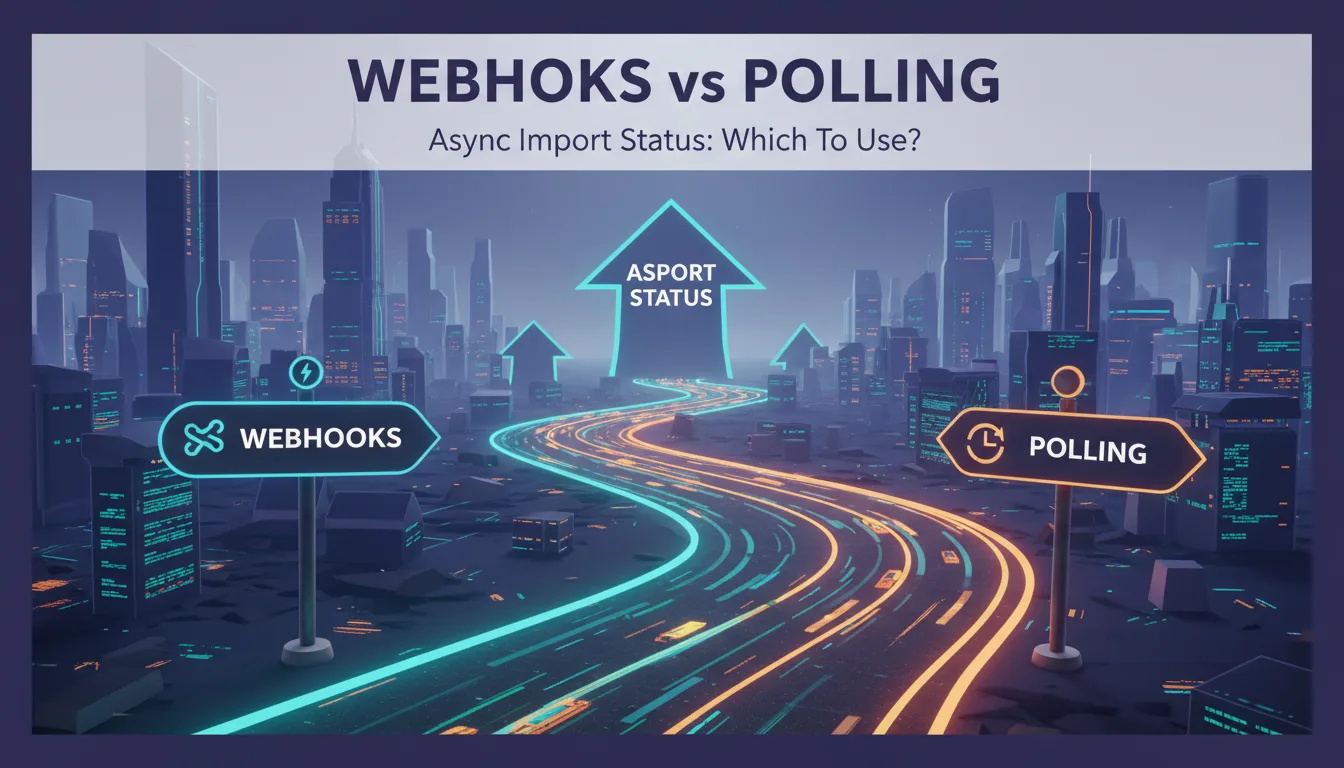
When a user uploads a 50,000-row CSV and clicks 'Import', your application has a problem: the work takes 30 to 90 seconds, and you can't hold an HTTP connection open that long. You need an async pattern. The two choices are webhooks — your provider calls your endpoint when the job completes — and polling — your application periodically asks for status. Both work. But they have meaningfully different tradeoffs in latency, reliability, infrastructure complexity, and developer experience.
This post covers both approaches in detail, with working code for each, so you can make an informed decision for your specific deployment context.
1The Core Difference
With webhooks, the job processor (Xlork, in this context) pushes a notification to your server when the import completes. Your server needs to be publicly reachable. With polling, your server periodically calls the Xlork API to ask 'is this import done yet?'. Your server doesn't need to be publicly reachable, but it needs to know when to stop polling.
- ✓Webhooks: push-based, low latency, requires public endpoint, needs signature verification, can fail silently if your endpoint is down
- ✓Polling: pull-based, higher latency by design, works behind firewalls, simpler to implement, adds unnecessary API load during normal operation
- ✓Webhooks: better for production systems with stable infrastructure
- ✓Polling: better for local development, internal tools, or environments where public endpoints aren't available
2Implementing Webhooks with Xlork
Webhooks are the recommended pattern for production Xlork integrations. When an import session completes, Xlork sends a POST to your configured webhook URL with the validated rows, import metadata, and a signature for verification.
Configure your webhook URL in the Xlork dashboard under Settings > Webhooks. Xlork will sign every request with HMAC-SHA256 using your webhook secret. Always verify the signature before processing the payload.
import express from 'express';
import { XlorkClient } from '@xlork/node';

const app = express();
const xlork = new XlorkClient({ apiKey: process.env.XLORK_API_KEY! });

// Use raw body parsing for webhook routes — JSON.parse after verification
app.post(
  '/webhooks/xlork',
  express.raw({ type: 'application/json' }),
  async (req, res) => {
    const signature = req.headers['x-xlork-signature'] as string;
    const rawBody = req.body.toString('utf8');

    const isValid = xlork.webhooks.verify({
      payload: rawBody,
      signature,
      secret: process.env.XLORK_WEBHOOK_SECRET!,
    });

    if (!isValid) {
      console.warn('Invalid webhook signature');
      return res.status(401).json({ error: 'Invalid signature' });
    }

    // Acknowledge immediately — BEFORE any processing
    res.status(200).json({ received: true });

    // Parse after acknowledgment
    const payload = JSON.parse(rawBody);
    const { event, rows, metadata } = payload;

    if (event === 'import.completed') {
      // Enqueue for background processing — don't await here
      importQueue.add({ rows, userId: metadata.userId, importId: metadata.importId });
    }
  }
);
💡 Pro tip
The most common webhook implementation bug is processing the payload synchronously inside the handler and returning 200 only after processing completes. If your processing takes more than a few seconds, Xlork will time out and retry the webhook — resulting in duplicate processing. Always return 200 immediately and enqueue the work.
3Webhook Retry Behavior and Idempotency
Xlork retries failed webhook deliveries with exponential backoff: 30 seconds, 5 minutes, 30 minutes, 2 hours, 24 hours. A delivery fails if your endpoint returns a non-2xx status code or doesn't respond within 30 seconds. This means your webhook handler must be idempotent — processing the same import payload twice should have the same outcome as processing it once.
async function processImport(importId: string, rows: ImportedRow[]): Promise<void> {
  // Idempotency check: have we already processed this import?
  const existing = await db.query(
    'SELECT id FROM import_log WHERE import_id = $1 AND status = $2',
    [importId, 'completed']
  );

  if (existing.rows.length > 0) {
    console.log(`Import ${importId} already processed, skipping`);
    return;
  }

  // Log the attempt before processing
  await db.query(
    'INSERT INTO import_log (import_id, status, started_at) VALUES ($1, $2, NOW()) ON CONFLICT (import_id) DO NOTHING',
    [importId, 'processing']
  );

  try {
    await insertRows(rows);
    await db.query(
      'UPDATE import_log SET status = $1, completed_at = NOW() WHERE import_id = $2',
      ['completed', importId]
    );
  } catch (err) {
    await db.query(
      'UPDATE import_log SET status = $1, error = $2 WHERE import_id = $3',
      ['failed', (err as Error).message, importId]
    );
    throw err; // Re-throw so webhook returns 500 and Xlork retries
  }
}4Implementing Polling with Xlork
Polling uses the Xlork REST API to query import session status. Each import session has a unique ID returned when the session is created. Your client polls the status endpoint until the session reaches a terminal state (`completed`, `failed`, or `cancelled`).
import { XlorkClient } from '@xlork/node';

const xlork = new XlorkClient({ apiKey: process.env.XLORK_API_KEY! });

type ImportStatus = 'pending' | 'processing' | 'completed' | 'failed' | 'cancelled';

async function pollImportStatus(
  importId: string,
  intervalMs = 3000,
  timeoutMs = 300_000 // 5 minutes
): Promise<{ status: ImportStatus; rows?: unknown[] }> {
  const startTime = Date.now();

  while (true) {
    const session = await xlork.imports.get(importId);
    const { status, rows } = session;

    if (status === 'completed') {
      return { status, rows };
    }

    if (status === 'failed' || status === 'cancelled') {
      return { status };
    }

    if (Date.now() - startTime > timeoutMs) {
      throw new Error(`Import ${importId} polling timed out after ${timeoutMs}ms`);
    }

    // Wait before next poll
    await new Promise(resolve => setTimeout(resolve, intervalMs));
  }
}5Exponential Backoff for Polling
Fixed-interval polling hammers the API at a constant rate whether the job is likely to complete in 5 seconds or 5 minutes. Exponential backoff starts with a short interval and increases it, which reduces unnecessary API calls for long-running jobs while keeping latency low for fast completions:
async function pollWithBackoff(
  importId: string,
  options: { initialIntervalMs?: number; maxIntervalMs?: number; timeoutMs?: number } = {}
): Promise<{ status: string; rows?: unknown[] }> {
  const {
    initialIntervalMs = 1000,
    maxIntervalMs = 15_000,
    timeoutMs = 300_000,
  } = options;

  const startTime = Date.now();
  let interval = initialIntervalMs;

  while (true) {
    const session = await xlork.imports.get(importId);

    if (session.status === 'completed' || session.status === 'failed') {
      return { status: session.status, rows: session.rows };
    }

    if (Date.now() - startTime > timeoutMs) {
      throw new Error('Import polling timed out');
    }

    await new Promise(resolve => setTimeout(resolve, interval));

    // Double the interval up to the maximum
    interval = Math.min(interval * 2, maxIntervalMs);
  }
}6Client-Side Polling from React
If your import flow is entirely client-side — no backend webhook endpoint — you can poll from the browser using React state and `useEffect`. This is appropriate for simple integrations where the frontend handles all coordination:
import { useState, useEffect, useRef } from 'react';

interface ImportState {
  status: 'idle' | 'pending' | 'processing' | 'completed' | 'failed';
  rows: unknown[];
  error: string | null;
}

function useImportStatus(importId: string | null) {
  const [state, setState] = useState<ImportState>({
    status: 'idle',
    rows: [],
    error: null,
  });
  const intervalRef = useRef<ReturnType<typeof setInterval> | null>(null);

  useEffect(() => {
    if (!importId) return;

    setState(prev => ({ ...prev, status: 'pending' }));

    async function checkStatus() {
      const res = await fetch(`/api/imports/${importId}/status`);
      const data = await res.json();

      if (data.status === 'completed') {
        setState({ status: 'completed', rows: data.rows, error: null });
        if (intervalRef.current) clearInterval(intervalRef.current);
      } else if (data.status === 'failed') {
        setState({ status: 'failed', rows: [], error: data.error });
        if (intervalRef.current) clearInterval(intervalRef.current);
      } else {
        setState(prev => ({ ...prev, status: 'processing' }));
      }
    }

    intervalRef.current = setInterval(checkStatus, 3000);
    checkStatus(); // Run immediately

    return () => {
      if (intervalRef.current) clearInterval(intervalRef.current);
    };
  }, [importId]);

  return state;
}7Which Pattern to Use When
The choice is rarely purely technical — it's about your deployment environment and operational preferences.
- ✓Use webhooks when: your server is publicly reachable, you want the lowest possible latency between job completion and processing, and you're comfortable with the added complexity of signature verification and idempotency handling
- ✓Use polling when: you're working in a local development environment without a tunnel, you're building an internal tool behind a firewall, or you're prototyping and want to defer the webhook infrastructure to a later sprint
- ✓Use webhooks in production: the operational characteristics — push-based, low latency, retry logic built into the provider — are almost always better for production workloads
- ✓Use polling as a fallback: if your webhook endpoint goes down and you have active imports in flight, a polling-based status check in your admin panel lets you recover without waiting for the retry window
8Local Development with Webhooks
The main friction point with webhooks in development is that your local server isn't publicly reachable. The standard solution is an HTTP tunnel. Tools like ngrok, Cloudflare Tunnel, or the Stripe CLI's built-in proxy give your localhost a public URL that Xlork can reach. Run the tunnel, update your webhook URL in the Xlork dashboard, and your local server receives webhook events exactly as production would.
# Using ngrok
ngrok http 3000
# Copy the https://xxxx.ngrok.io URL to your Xlork webhook settings

# Using Cloudflare Tunnel (no account required for temporary tunnels)
cloudflared tunnel --url http://localhost:3000
Polling is easier to implement and perfectly adequate for development. Webhooks are worth the extra 30 minutes of setup for production because they reduce import processing latency from 'next poll interval' to 'seconds after completion'.
💡 Pro tip
Xlork's webhook configuration, payload schema, and retry behavior are documented at xlork.com/docs/webhooks. The Node.js SDK includes a webhook.verify() helper that handles HMAC validation in a single function call.
9Summary
Webhooks and polling both solve the async import status problem, but they do it differently. Webhooks are lower latency, push-based, and better for production — at the cost of requiring a public endpoint and idempotency handling. Polling is simpler to implement and works in any network environment — at the cost of added API load and higher latency. For most production integrations, start with polling during development, then switch to webhooks before you ship.