Raw data is just noise until it's refined. The journey from a messy spreadsheet to actionable insights requires systematic cleaning, transformation, and analysis. Yet most teams spend 60-80% of their data project time on preparation — parsing files, fixing formats, removing duplicates, filling gaps — and only 20-40% on actual analysis.
In this guide, we'll explore practical strategies for data refinement — turning raw imports into clean, analysis-ready datasets — and show how automating the preparation step with Xlork frees your team to focus on what actually matters: extracting insights.
11. The Data Refinement Pipeline
Every data refinement process follows the same fundamental steps: ingest, clean, transform, validate, and load. The traditional approach involves writing custom scripts for each step. The modern approach automates as much as possible at the point of ingestion, so that by the time data reaches your analysis tools, it's already clean and structured.
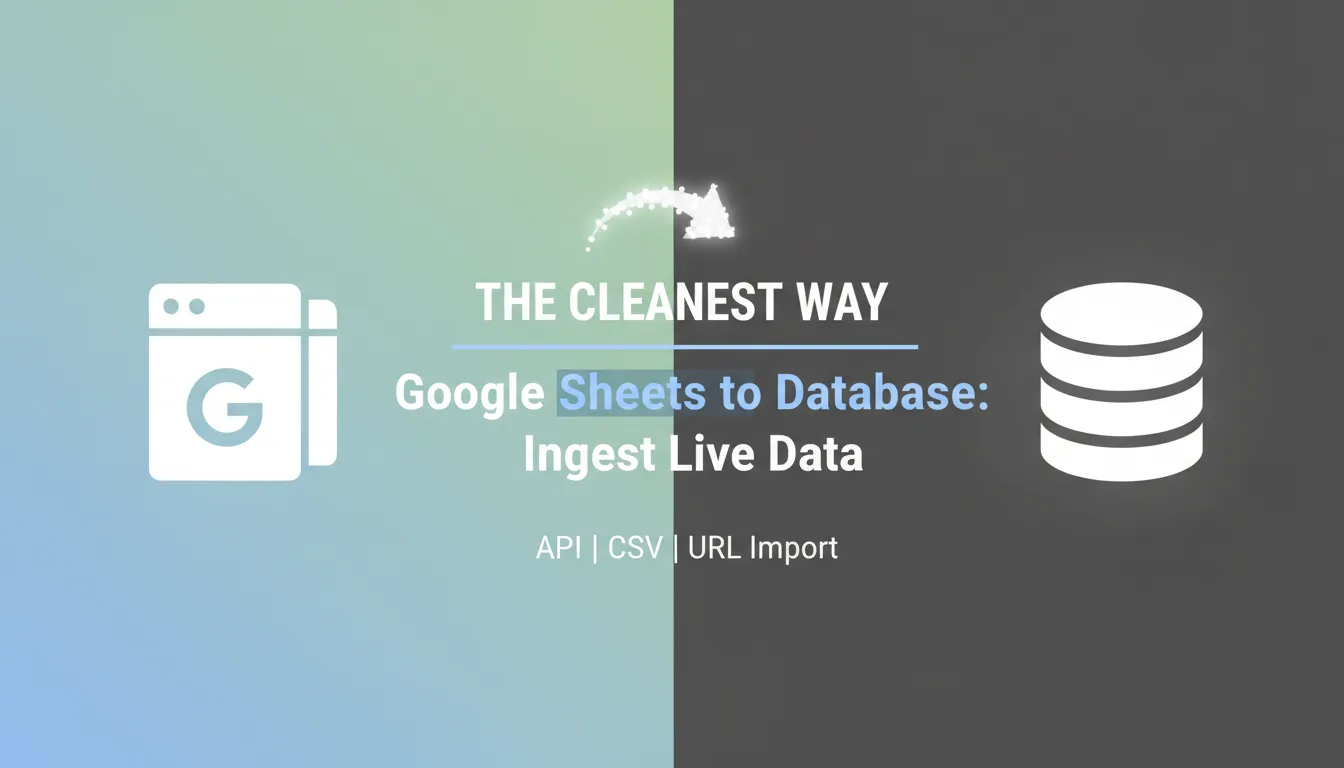
- ✓Ingest — Parse files from any format (CSV, Excel, Google Sheets, TSV)
- ✓Clean — Remove duplicates, fix encoding, strip whitespace, handle null values
- ✓Transform — Normalize dates, standardize categories, split or merge columns
- ✓Validate — Check data types, required fields, format patterns, and business rules
- ✓Load — Deliver clean data to your database, warehouse, or analytics platform
22. Cleaning: The 80% of Data Work
Data cleaning is tedious but essential. The most common issues are missing values, inconsistent formatting, duplicates, encoding errors, and invalid entries. The key is to handle these systematically, not ad-hoc. Define cleaning rules for each column type and apply them consistently across every import.
Xlork automates the most common cleaning operations: whitespace trimming, encoding normalization, BOM removal, empty row filtering, and duplicate detection. Custom transformations handle the rest — date format conversion, phone number standardization, category mapping, and calculated fields.
33. Transformation: Reshaping Data for Analysis
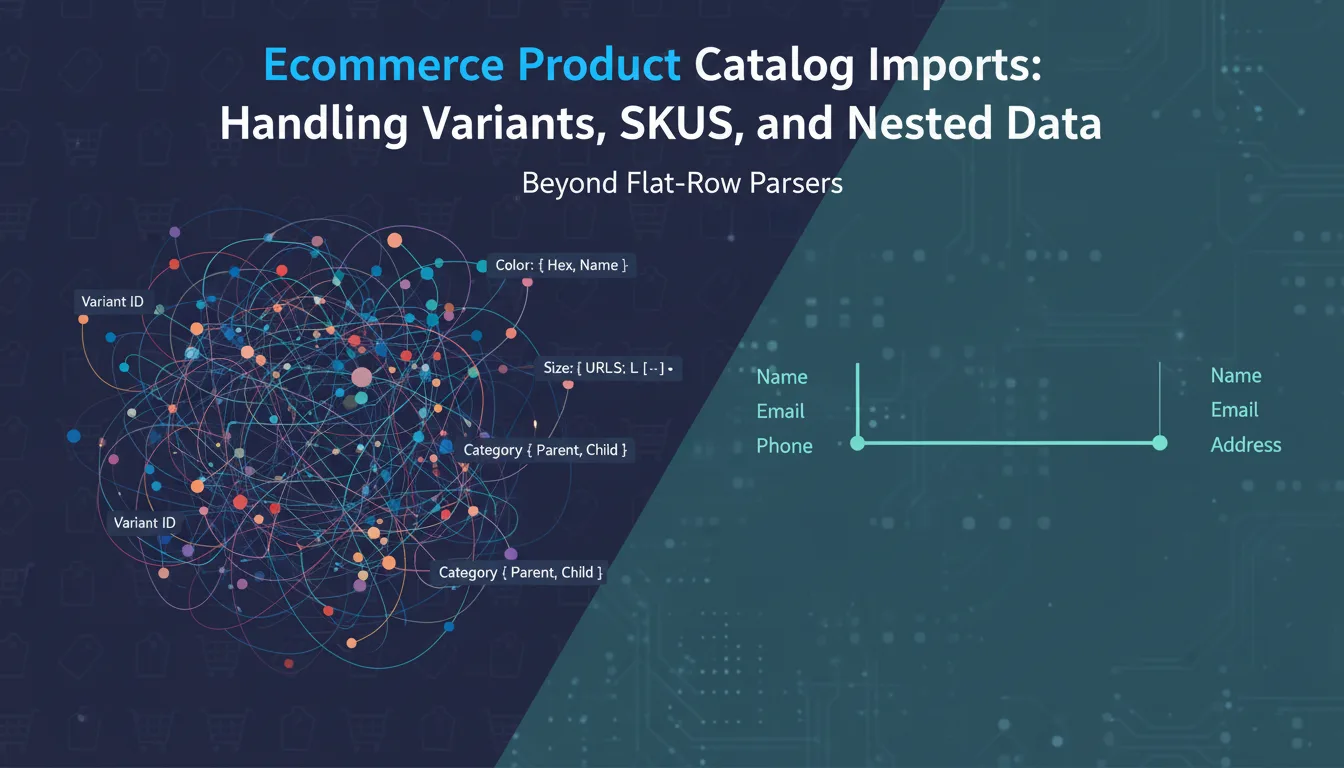
Raw data rarely comes in the shape your analysis needs. Address fields need to be split into street, city, state, and zip. Full names need to be separated into first and last. Date ranges need to be expanded into individual records. Category codes need to be mapped to human-readable labels.
Xlork's transformation hooks let you define custom JavaScript functions that run against each row during import. You can split, merge, calculate, and restructure data programmatically — turning the raw import into exactly the format your downstream systems expect.
💡 Pro tip
The best data refinement happens automatically. If you find your team repeatedly applying the same cleaning steps to imported data, encode those steps as Xlork validation and transformation rules. They'll run automatically on every future import.
44. Validation: The Quality Gate
Validation is where you draw the line between acceptable and unacceptable data. Required field checks ensure completeness. Type checks ensure integrity. Range checks ensure plausibility. Pattern checks ensure format compliance. Together, these rules form a quality gate that prevents bad data from polluting your analysis.
55. From Refinement to Insight
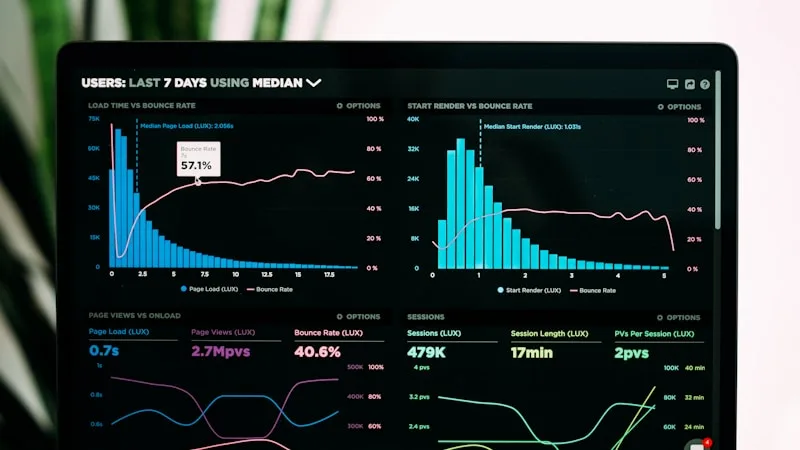
Once data is clean, transformed, and validated, analysis becomes straightforward. Trends emerge clearly when dates are in a consistent format. Aggregations are accurate when duplicates are eliminated. Segmentation works when categories are standardized. The quality of your insights is directly proportional to the quality of your data refinement.
66. Building Repeatable Pipelines
The goal isn't to clean data once — it's to build a pipeline that cleans data every time. By defining your schema, validation rules, and transformations in Xlork's configuration, you create a repeatable import pipeline that produces consistently clean data from inconsistent sources. New imports go through the same refinement process automatically.
7Conclusion
Data analysis is only as good as the data it's built on. By automating refinement at the point of import — cleaning, transforming, and validating data before it enters your system — you free your team to focus on analysis instead of preparation. Xlork encodes these refinement steps into a single React component, turning messy files into analysis-ready datasets automatically.