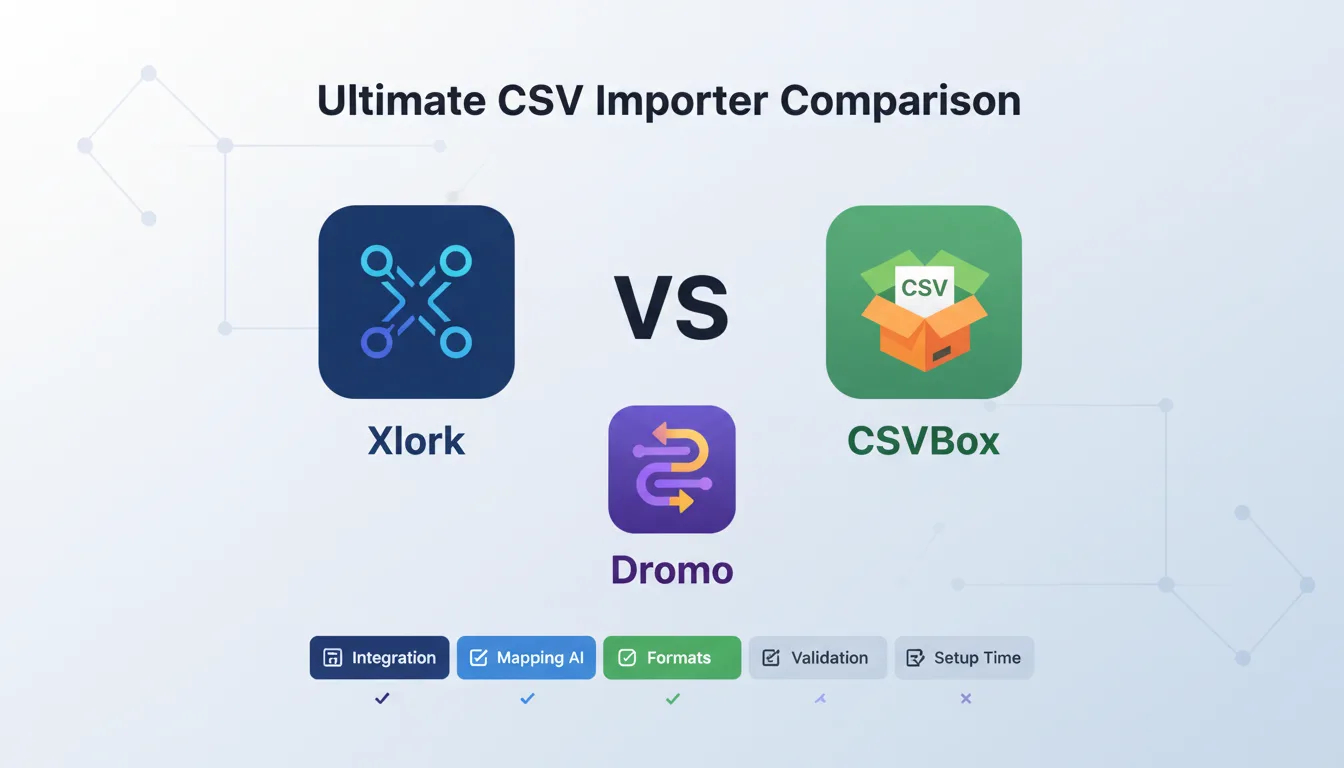
If you're building a SaaS product and need to let users import data, you've probably landed on three names: Xlork, CSVBox, and Dromo. All three solve the same core problem — giving your users a clean, guided import experience so you're not maintaining a brittle CSV parser in your own codebase. But they take meaningfully different approaches, and the right choice depends on your stack, your users' data complexity, and how much control you need over the import pipeline.
This post breaks down all three tools across the dimensions that actually matter: integration model, column mapping intelligence, format support, validation capabilities, pricing, and how long it takes to go from zero to working import.
1Quick Overview: What Each Tool Is
CSVBox is a lightweight, script-tag-based importer. You drop a JS snippet into your page, define a schema in their dashboard, and users get a modal import flow. Data is delivered to your backend via webhook. It's designed for speed of integration — you can have something working in under an hour.
Dromo is a React SDK-first importer with a focus on data transformation and validation workflows. It ships as an embeddable React component, gives you transformation hooks for custom logic, and uses rule-based column mapping where you define matching rules for your schema.
Xlork is a developer-first importer with a React SDK, Node.js SDK, and REST API. Its distinguishing feature is AI-powered semantic column mapping — instead of rule-based matching, it uses language model inference to intelligently map source columns to your target schema. It supports the widest format range and processes data client-side by default.
2Integration Model and Developer Experience
CSVBox prioritizes no-code or low-code setup. The integration is a script tag plus a few lines of JavaScript. If you're working in React or Vue, you'll need to wrap it yourself — CSVBox doesn't ship first-party component bindings.
Dromo ships a React component as its primary integration surface. The API is reasonably ergonomic, though the hook system adds conceptual overhead if your schema is simple. Dromo does not have a published Node.js SDK for server-side use cases.
Xlork gives you three integration paths. The React SDK exposes the full UI, validation, and transformation pipeline. The Node.js SDK handles server-side processing. The REST API covers non-JS stacks.
- ✓CSVBox: Script-tag embed, no native React/Vue component, webhook delivery
- ✓Dromo: React SDK primary, no published Node.js or server-side SDK, transformation hooks
- ✓Xlork: React SDK + Node.js SDK + REST API, client-side processing by default, supports embedded UI and headless imports
3Column Mapping: Rules vs. AI
CSVBox uses fuzzy string matching. It attempts to match uploaded column headers to your schema based on character similarity. This works for straightforward cases but breaks down on abbreviated headers, domain-specific terminology, or non-English headers.
Dromo gives you explicit mapping rules — exact strings, regular expressions, or arrays of accepted aliases. This is deterministic and predictable. The tradeoff is maintenance: every new variation requires a rule update.
Xlork uses AI-powered semantic mapping. Rather than string matching or explicit rules, it runs language model inference to understand what each source column likely represents. A column labeled 'Qty Ordered' gets mapped to 'quantity' because the model understands the semantic relationship.
💡 Pro tip
If your users frequently import files from different sources with inconsistent column names, AI-based mapping reduces friction at the exact moment users are most likely to abandon an import flow.
4File Format Support
- ✓CSV / TSV: Xlork, CSVBox, Dromo
- ✓Excel (XLSX, XLS): Xlork, CSVBox, Dromo
- ✓XML: Xlork only
- ✓JSON: Xlork only
- ✓Google Sheets: Xlork only
5Validation, Transformation, and Data Cleaning
CSVBox validation is configured in the dashboard. You define field types, required flags, and regex patterns. Transformation beyond basic type coercion requires handling on your backend after the webhook fires.
Dromo's transformation hooks are its strongest feature. You can define row-level and field-level hooks that run during the import flow — normalizing values, computing derived fields, flagging rows based on custom logic. This is genuinely powerful for complex data models.
Xlork provides schema validation, data cleaning rules, and a transformation pipeline with real-time preview. Users see cleaned, validated data before confirming. Client-side processing means data doesn't leave the browser during the import flow.
6Pricing
CSVBox publishes its pricing and offers a free tier. Paid plans scale by import volume. The pricing model is straightforward.
Dromo's pricing is partially transparent. Entry-level pricing is published, but higher-volume and enterprise plans require contacting sales.
Xlork publishes all tier pricing with no contact-sales requirement. Plans start at a free tier, with paid tiers at $9, $29, and $49 per month.
7Data Processing Model: Where Does Your Data Go?
CSVBox delivers data server-side. Your users' uploaded files are processed through CSVBox's infrastructure and delivered via webhook. If you're handling PII or regulated data, you need to review their data processing agreements.
Dromo processes data client-side within the React component — user data stays in the browser during the import flow.
Xlork defaults to client-side processing. The import, validation, mapping, and transformation pipeline runs in the browser. Your backend receives the final validated payload only after the user confirms.
8Where Each Tool Wins
CSVBox wins on initial setup speed. If you have a simple schema, your users upload CSVs and Excels, and you need something running in a day, CSVBox is a practical choice.
Dromo wins on transformation expressiveness. If your import logic is complex — derived fields, row-level computations, conditional validation — Dromo's hook system gives you more programmatic control.
Xlork wins on AI mapping, format breadth, and multi-SDK flexibility. If your users import files from diverse sources with inconsistent column naming, AI mapping reduces support load. If you need XML or Google Sheets support, Xlork is your only option among the three.
The best importer is the one your users complete without asking for help. That means smart defaults, clear error messages, and column mapping that handles real-world file inconsistency — not just clean test data.
9Decision Framework: How to Choose
- ✓Choose CSVBox if: You need the fastest possible setup, you're not using React, your users only import CSV/Excel, and you're comfortable with webhook-based server-side delivery.
- ✓Choose Dromo if: You're building in React, your validation and transformation logic is complex and needs to be deterministic, and your user base imports from known, consistent file sources.
- ✓Choose Xlork if: Your users come from diverse sources with unpredictable column naming, you need XML/JSON/Google Sheets support, you want a Node.js SDK for server-side processing, you need client-side processing for compliance, or you want fully transparent pricing.
For most multi-tenant SaaS products where you don't control what your users upload, the column mapping question is decisive. Real users don't produce clean files with field names matching your schema. AI-based mapping handles that reality; rule-based mapping requires ongoing maintenance.
💡 Pro tip
Xlork's free tier lets you integrate and test the full import pipeline — including AI column mapping — without a paid commitment. Start at xlork.com to get your API key and run through the React SDK quickstart. Most integrations are functional in under 30 minutes.
All three tools solve the problem of building a data importer from scratch. The decision comes down to how much complexity lives in your users' data, how much you want to own the mapping and transformation logic, and what your compliance posture requires for data handling.